
Search BlockBee
Search BlockBee blog posts and documentation.
Introducing Swap Everything: Crypto Checkout Just Got Bigger
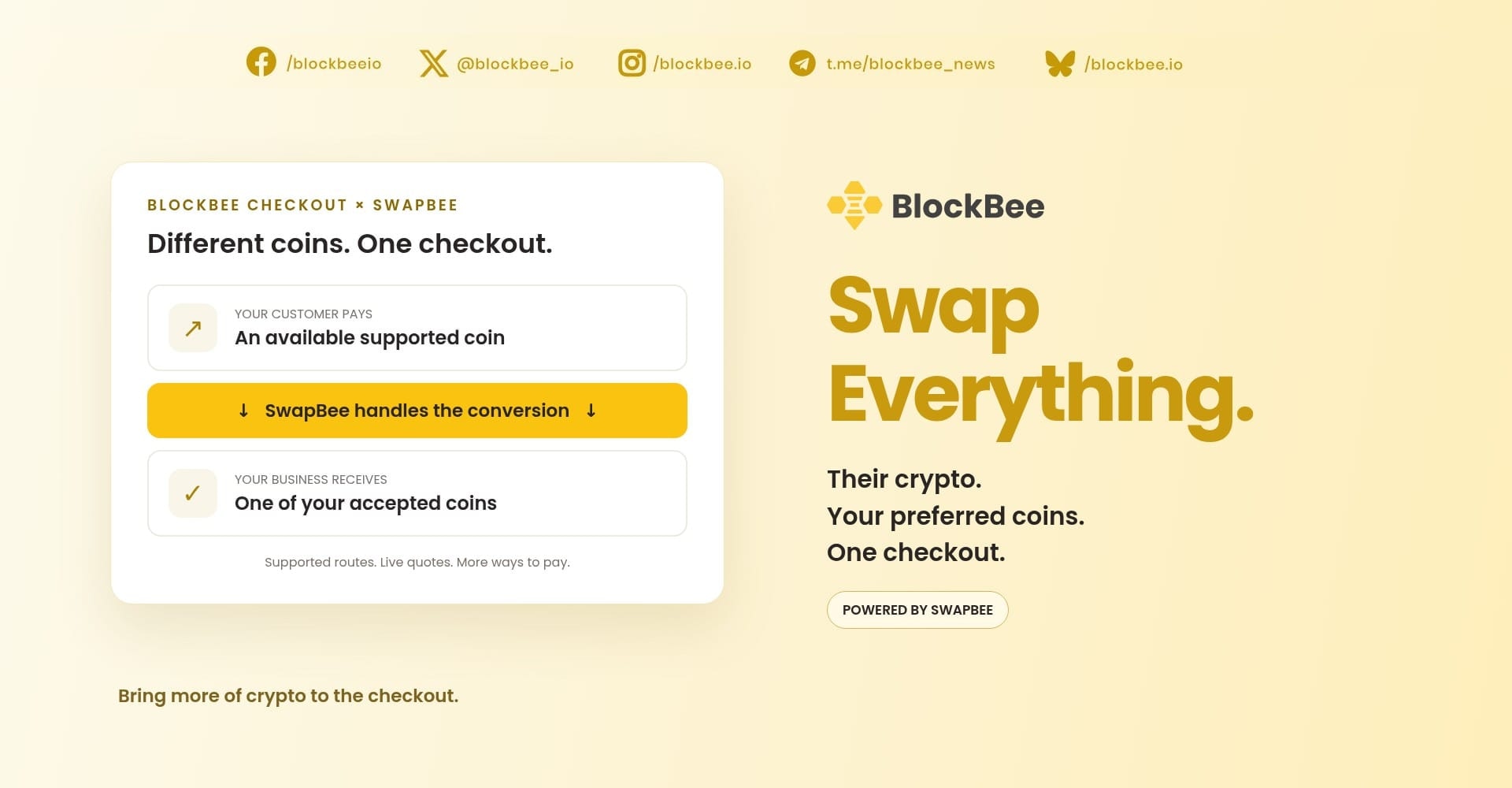
Their crypto. Your preferred coins. One checkout. Meet Swap Everything, powered by SwapBee inside BlockBee Checkout.
Your customer has crypto. You want the sale. A coin mismatch should not be where that story ends.
Meet Swap Everything: SwapBee, built into BlockBee Checkout. Customers can pay with an available supported coin—even one your business does not accept directly—and SwapBee converts it into a coin you already accept. The checkout offers the supported routes and gets a live quote before they pay.
Their crypto. Your preferred coins. One checkout.
We brought the swap to the checkout
Picture the old detour: a customer reaches checkout, finds the wrong coin in their wallet, leaves to arrange a swap, then comes back to finish paying.
We think checkout should help them pay—not give them another errand.
Swap Everything brings that conversion into the payment flow. Your customer chooses an available coin and network, reviews the quote, and sends the payment. SwapBee handles the conversion into one of your configured receiving coins.
That is the big change: what your customer holds no longer has to be what your business receives.
More choice for customers. More control for you.
You should not need a separate receiving wallet for every additional coin your customers want to spend.
With Swap Everything, you keep your configured receiving coins and addresses. Customers get more supported ways to pay into that setup. Where a route is available, that can mean a different asset—or the same asset on another network.
Think USDT on a different chain. The customer chooses an available network; the conversion delivers to a receiving option you have configured. They do not have to arrange that conversion separately before checkout.
And customers who already hold a coin you accept directly? They can still pay directly. Direct and swap options sit in the same searchable coin selector, with network filters to help customers find the right one.
A bigger welcome at checkout. Not a bigger collection of wallets to manage. And no extra cost to you as the merchant for using Swap Everything.
Choose. Check. Pay.
The technology does the hard part. The customer gets a clear payment flow:
- Choose a coin and network. Search the available options in BlockBee Checkout.
- Check the quote. See what to send, what the merchant receives, the swap provider and how long the quote is valid.
- Continue and pay. Add a refund address from your own wallet if requested, then send the exact amount to the payment address or scan its QR code. Follow the displayed network, deadline and any memo or tag instructions.
- Follow the payment. Watch its progress in checkout, with Track on SwapBee available for more details.
No separate swap to organise first. No need to turn a purchase into a second project.
Put Swap Everything to work
Swap Everything is built into eligible BlockBee Checkout flows, including payment links, e-commerce payments and subscription payments.
In your BlockBee Dashboard, open your profile's Payment Settings and look for:
“Accept payments in other coins (we swap them to the coins above)”
Check your receiving coins and addresses, enable the option and save. If the switch is not available on your account, contact our team to check access.
A few practical details: supported coins, networks and amounts depend on the available swap route and quote. Swap fees are charged to the customer; Swap Everything adds no extra cost for the merchant. This is checkout conversion, not the older Exchanges automation flow: while swap checkout is active for a profile, its Exchanges automation rules pause. Deposit flows are not included.
The coin mismatch just got a new answer
For customers, it is more ways to pay with crypto they already hold.
For merchants, it is more payment choice without accepting every incoming coin yourself.
For checkout? It is a much bigger ambition than a longer list of logos.
Swap Everything. Bring more of crypto to the checkout.
Open your BlockBee Dashboard and explore the new payment options.
Support
Review Us
