
Search BlockBee
Search BlockBee blog posts and documentation.
Crypto QR Code Payments: How Businesses Use QR Codes for Checkout
A business guide to crypto QR code checkout: payment UX, wallet compatibility, security, common mistakes, and FAQs.
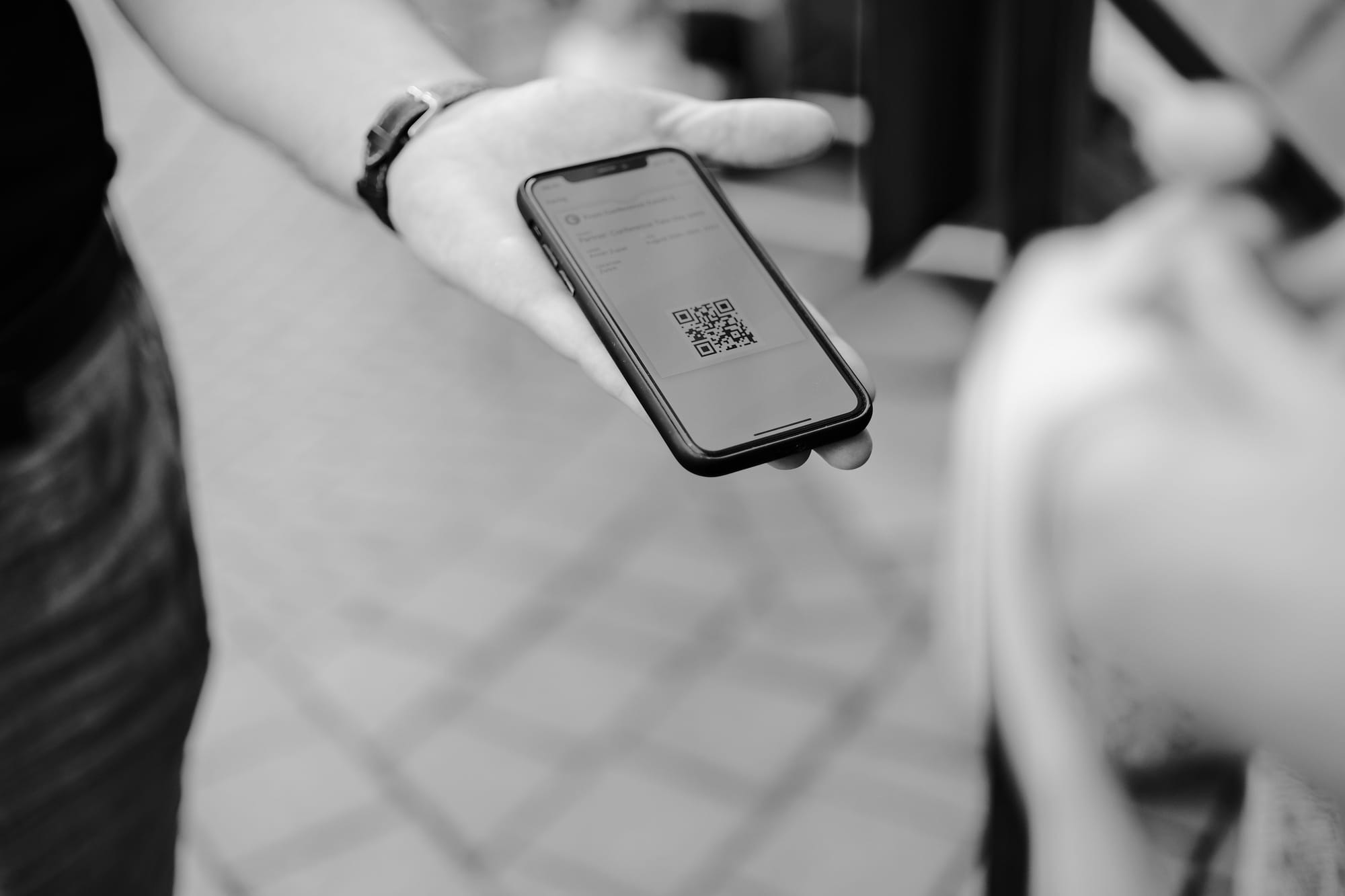
Crypto QR code payments turn a checkout instruction into something a customer can complete with a quick scan. Instead of copying a long wallet address, choosing a network, and typing an amount by hand, the checkout displays a QR code that a compatible wallet can read. For businesses, that small UX change can reduce payment friction, shorten checkout time, and lower the risk of address-entry mistakes.
This guide explains how businesses use QR codes for crypto checkout, what should be encoded in a crypto wallet QR code, how wallet compatibility works, and the security checks every merchant should apply before accepting blockchain payments at scale.
What is a crypto QR code?
A crypto QR code is a scannable representation of payment data. At its simplest, it may contain only a blockchain address. In a better checkout flow, it can include a payment URI with the recipient address, amount, asset, network, and sometimes a label or payment reference.
For example, a checkout may show a QR code for a Bitcoin, Litecoin, Tron, Ethereum, or stablecoin payment. The customer scans it with a wallet, reviews the payment details, and confirms the transaction. The business then monitors the blockchain, confirms the payment, and updates the order.
Why businesses use QR codes for checkout
QR code crypto checkout is useful anywhere the customer may be paying from a mobile wallet, standing at a counter, or moving between a desktop checkout page and a phone wallet. Common use cases include:
- Ecommerce checkout: A store generates an invoice and displays a QR code on the payment page so the buyer can scan from a mobile wallet.
- Point-of-sale payments: A cashier creates an amount-specific invoice on a tablet or terminal, then the customer scans and pays in-store.
- Donation pages: Nonprofits, open-source projects, and creators show static or dynamic QR codes for crypto contributions.
- Invoices and B2B payments: A payment link or PDF invoice can include a blockchain wallet QR code to reduce manual address copying.
- Events and ticketing: Merchants can accept crypto at a booth or ticket desk without requiring card terminals in every location.
- Cross-border orders: Stablecoin payments can be easier for international customers who already hold digital assets.
If you sell internationally or want to support stablecoins, QR-based flows are especially helpful for USDT payments, where customers must pay attention to the token and network they are using.
How the QR payment UX should work
A good QR payment flow does more than display an address. It guides the buyer from invoice creation to payment confirmation with minimal uncertainty.
- Create a unique checkout invoice. The business generates an order-specific address or payment request for the selected coin, token, and network.
- Show the QR code and plain-text details. Customers should see the QR code, wallet address, amount, asset, network, exchange-rate timer, and order status.
- Let the customer scan with a wallet. The wallet reads the QR code crypto payload and pre-fills the recipient and amount when supported.
- Monitor the blockchain. The checkout should detect incoming transactions and update the invoice from pending to paid after the required confirmations.
- Handle exceptions clearly. Underpayments, overpayments, late payments, and wrong-network transactions should trigger a support-friendly resolution flow.
For businesses, using a crypto payment processor helps automate address generation, payment monitoring, callbacks, and checkout status updates instead of building every blockchain integration in-house.
What should be inside a crypto wallet QR code?
The right QR payload depends on the coin, chain, wallet standards, and checkout setup. A QR code may encode:
- Wallet address: The destination address where the customer sends funds.
- Amount: The exact crypto amount expected for the invoice.
- Asset or token: The coin or token, such as BTC, LTC, ETH, TRX, USDT, or another supported asset.
- Network: The blockchain network, which matters for tokens available on multiple chains.
- Payment label or message: Human-readable information that helps the customer identify the merchant or order.
- Payment reference: A reference used by the merchant system to match the transaction to an invoice.
Static QR codes can work for donations or reusable addresses, but dynamic invoice-specific QR codes are usually better for business checkout. They make reconciliation easier, reduce support issues, and allow the checkout to expire or refresh exchange rates.
Wallet compatibility: why it matters
Wallet compatibility is one of the most important practical details in blockchain wallet QR code payments. Not every wallet reads every payment URI format. Some wallets only scan addresses. Others support amounts, labels, and chain-specific payment requests. Token and network support also varies.
To improve compatibility, businesses should:
- Display the QR code and the address in copyable text.
- Clearly show the selected blockchain network beside the QR code.
- Offer a copy button for the address and amount.
- Use widely supported address and URI formats where available.
- Test popular wallets for the assets and networks offered at checkout.
- Provide a fallback payment link or manual instructions for wallets that only read addresses.
This is especially important for stablecoins and tokens, where sending the right token on the wrong network can create a failed customer experience even if the address format looks familiar.
Security considerations for QR code crypto payments
QR codes are convenient, but the customer still needs to trust the payment details. Businesses should design their checkout to prevent tampering, phishing, and operational mistakes.
Use HTTPS and trusted payment pages
The QR code should be displayed on a secure, authenticated checkout page. Avoid sending customers to unfamiliar domains or pages that do not match your brand. If using hosted checkout, make the destination clear and consistent.
Show human-readable payment details
Do not rely on the QR code alone. Always display the destination address, amount, asset, network, and order identifier. Customers should be able to compare what the wallet shows after scanning with what the checkout displays.
Generate order-specific payment requests
Unique addresses or unique invoice references help match payments to orders and reduce accounting confusion. They also limit the operational risk of using one static address for every customer.
Protect against address substitution
Malware and phishing pages can replace wallet addresses. Use secure checkout pages, avoid exposing admin tools publicly, and consider customer-facing warnings that encourage buyers to verify the first and last characters of the address before confirming.
Wait for the right confirmations
A payment seen in the mempool is not always final. Businesses should use confirmation policies appropriate for the asset, transaction value, and risk tolerance. Low-value purchases may use faster policies; high-value orders may require more confirmations.
Common mistakes businesses should avoid
- Using one static address for all orders: It makes reconciliation harder and can create privacy and accounting problems.
- Not showing the network: Customers may send a token on an unsupported chain if the checkout is unclear.
- Encoding only an address when an amount-specific URI is possible: This increases the chance of underpayment or manual-entry errors.
- Failing to handle underpayments and overpayments: Checkout logic should detect exceptions and tell the customer what happens next.
- Letting invoices stay valid forever: Crypto exchange rates move. Use expiration timers and clear refresh behavior.
- Ignoring mobile UX: The payment page should work well on mobile, including copy buttons, deep links where appropriate, and readable payment details.
- Skipping wallet testing: Test real wallets before offering an asset to customers.
How BlockBee helps with QR crypto checkout
BlockBee helps businesses accept cryptocurrency payments by generating payment addresses, monitoring blockchain transactions, and sending payment callbacks to merchant systems. With a processor handling the blockchain layer, businesses can focus on the checkout experience: clear payment instructions, scannable QR codes, order updates, and customer support.
Developers can review the integration flow in the BlockBee documentation. Businesses ready to test payment flows can create an account or access the dashboard at dash.blockbee.io.
FAQ: Crypto QR code payments
Can a QR code receive any cryptocurrency?
No. A QR code points to specific payment information. The checkout must show the correct coin, token, and network. Customers should only send the asset supported for that invoice.
Is a blockchain wallet QR code the same as a wallet address?
Sometimes. A basic QR code may contain only the wallet address. A richer payment QR code can include the address, amount, label, and chain-specific payment data.
Are QR code crypto payments safe?
They can be safe when the checkout is secure, payment details are visible, and customers verify the wallet screen before confirming. Businesses should use HTTPS, order-specific payment requests, and reliable transaction monitoring.
What happens if a customer sends the wrong amount?
The checkout should detect the mismatch and mark the invoice as underpaid or overpaid. The merchant can then request the remaining amount, refund the excess, or resolve the order manually depending on policy.
Do customers need a special wallet to scan crypto QR codes?
Most mobile crypto wallets include QR scanning, but support varies by coin, token, network, and URI format. Businesses should test the wallets their customers commonly use and provide copyable fallback details.
Conclusion
Crypto QR code checkout is one of the simplest ways to make blockchain payments easier for customers. The best implementations combine a clear QR payment UX, wallet-compatible payment data, secure checkout pages, and reliable backend monitoring. For businesses, that means fewer manual mistakes, faster checkout, and a smoother path to accepting crypto payments online or in person.
Implementation next step: Follow the API guide to generate a payment QR code, or create a BlockBee account.
Support
Review Us