
Search BlockBee
Search BlockBee blog posts and documentation.
Crypto Point of Sale: How to Take Crypto Payments in a Physical Store
How taking crypto at the counter works with a web-based point of sale, and how to set up BlockBee's PoS for your shop.
How does a crypto point of sale system work?
A crypto point of sale lets a shop take crypto at the counter. Staff enter the price, the app shows a QR code for a new payment address, the customer pays from their wallet, and the app confirms the payment. BlockBee's PoS is a web app at pos.blockbee.io that runs in a browser on smartphones and tablets. Each on-chain payment goes to your address once it confirms. Fees start at 1%, with volume discounts down to 0.25%, plus network fees.
What happens at the counter?
BlockBee's PoS guide describes each sale in four steps:
- Enter the amount in the currency you set in Payment Settings, with an optional description.
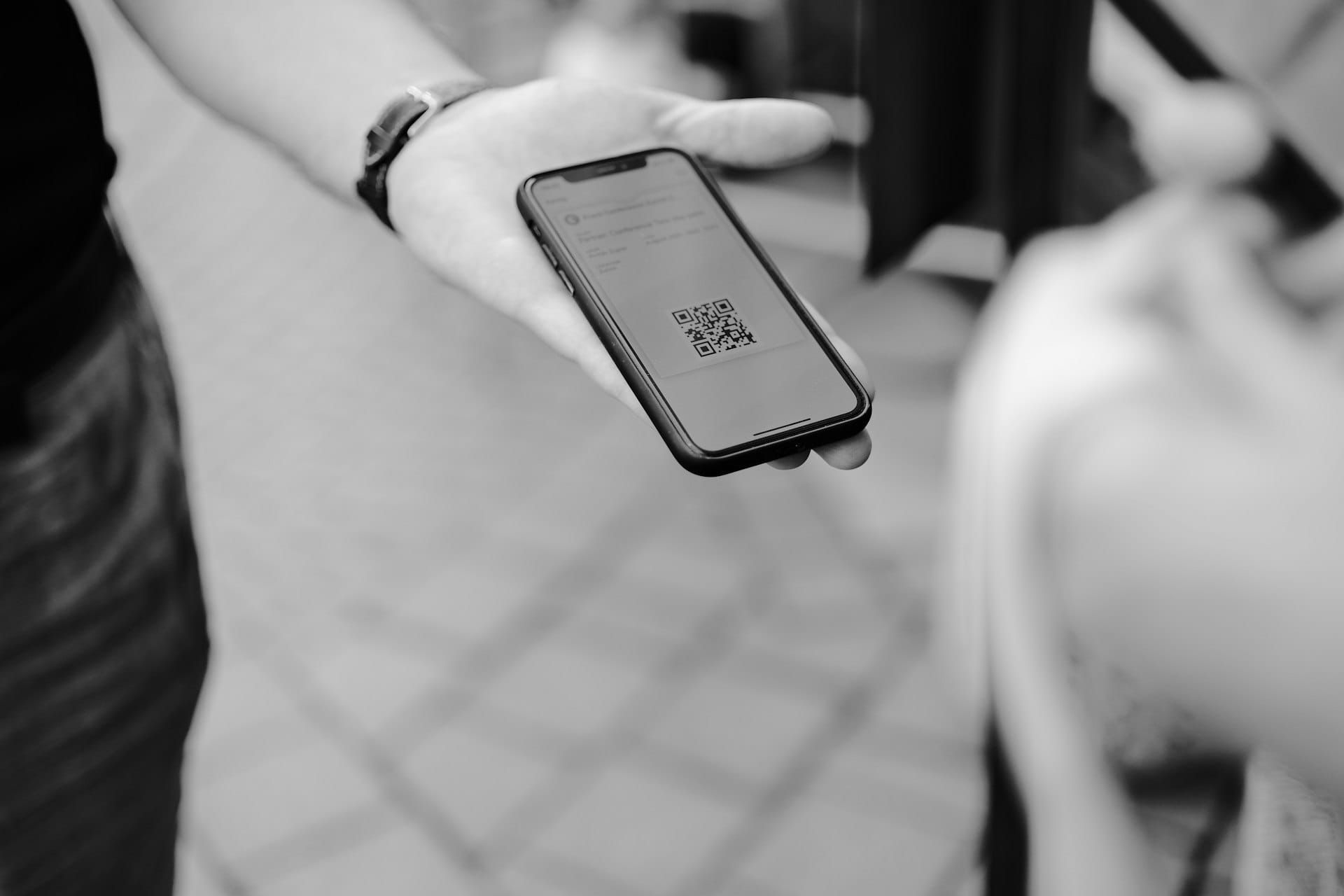
- Create the payment. The app makes a unique payment address and QR code; show it to the customer.
- The customer scans the QR code with their wallet and sends the exact amount shown.
- The app confirms it. It detects the payment and shows a confirmation message. Each payment goes through a pending and then a confirmed state, and it counts as complete only once confirmed.
If a customer pays slightly less than the amount shown, a payment tolerance in Payment Settings can still count it as paid: at 5%, a request for $100 USDT accepts $95 USDT or more. The guide lists receipts by email or SMS, or printed if you use a connected printer, and the app keeps a transaction history you can export.
What should you look for in a crypto POS system?
- Devices you already have. BlockBee's PoS runs in a browser on a smartphone or tablet.
- Separate staff logins, so employees never use your main account.
- Coins with minimums below your typical sale. Bitcoin Lightning's minimum on BlockBee was 0.000001 BTC, about $0.08, on 26 October 2026.
- Where the money goes. With BlockBee, each on-chain payment goes to your address once it confirms; Lightning settles once a day.
- Published fees, with no setup or monthly fees.
- A way to test with a small real payment before you open.
Do you need a crypto POS terminal?
Not a separate device. BlockBee's /pos page presents its "POS terminal" as an app: the docs FAQ says the PoS app is available through its website, pos.blockbee.io, and works on smartphones and tablets, and the /pos page says the web version is compatible with all browsers. When BlockBee launched the web PoS in 2024, it described it as needing no extra hardware or app download.
You also need a receiving address for each coin you accept, which you add in the BlockBee dashboard. A printer is optional.
How do staff log in to the PoS?
With PoS users, not your main account login. With a Profile selected in the dashboard, open Profile Settings, then Point of Sale (PoS) Users, click Add User, and enter a username and password. Staff then log in with your account email plus the username as a suffix (BlockBee's example is [email protected]_insertedusername) and that password.
A PoS user cannot open your main account. BlockBee suggests one PoS user per employee, so you can see who processed each sale.
Which coins can customers pay with, and how long do they wait?
The PoS accepts the coins you choose in Payment Settings, from BlockBee's 100+ cryptocurrencies and tokens, and you can set their order. Check each coin's minimum against your typical sale, because payments below it are disregarded. On 26 October 2026, BlockBee's API listed these minimums:
| Coin and network | Minimum |
|---|---|
| Bitcoin (on-chain) | 0.00008 BTC (about $6.38) |
| USDT on Tron (TRC-20) | 10 USDT |
| USDT on Solana | 1 USDT |
| USDT on BNB Smart Chain (BEP-20) | 1 USDT |
| USDT on Polygon | 0.5 USDT |
So a $4 coffee is below the on-chain Bitcoin and Tron USDT minimums but above the Solana, BNB Smart Chain and Polygon ones.
Bitcoin Lightning works through Checkout and the PoS only. BlockBee's cryptocurrencies page, checked on 26 October 2026, lists a minimum of 0.000001 BTC per Lightning payment. Lightning funds settle once a day at 00:00 UTC, with a minimum settlement of 0.00008 BTC.
How long the customer waits depends on the coin's network and on the number of confirmations you set in Payment Settings: the higher the number, the slower the confirmation. BlockBee warns that setting it to 0 marks a payment as paid before the network confirms it, which may be unsafe.
How much does a crypto POS cost with BlockBee?
BlockBee has no setup or monthly fees. Its fees start at 1%, with volume discounts down to 0.25%, plus network fees; the rate depends on your volume over the previous 30 days and your industry's risk tier. By default, BlockBee takes the network fee for forwarding out of each on-chain payment.
Payment Settings, which also govern the PoS, have two surcharge switches: one passes BlockBee's fee on to the customer, and the other adds the estimated network fee to the total. With prepaid fees, credits pay BlockBee's fee, and for tokens such as USDT the network fee too; credits are held per profile and not refunded, and when they run out, fees are deducted from payments again.
Worked example. A café takes 300 crypto payments of $12 in a month ($3,600). At BlockBee's published starting rate of 1%, its fee is 300 × $0.12 = $36, plus the network fee on each forwarded payment, which depends on the coins customers use. Network fees differ a lot by coin: on 26 October 2026, BlockBee's estimate to forward one USDT payment was about $4.26 on Tron, against about $0.014 on BNB Smart Chain, $0.01 on Polygon and $0.001 on Solana. These estimates are for one output address; without prepaid fees, BlockBee's own fee goes out in a second transaction. For small sales, offer low-fee networks. The fees page has a calculator.
How do you set up BlockBee's PoS?
- Create a BlockBee account.
- Add receiving addresses for the coins you accept on the dashboard's Addresses page.
- Set Payment Settings: the currency for prices, the coins to accept, the number of confirmations and your logo.
- Create a PoS user for each employee.
- Open pos.blockbee.io on the counter device and log in as the PoS user. BlockBee's PoS guide says you won't need an API key for the app.
- Test with a small real payment. BlockBee has no sandbox or test mode. Its PoS guide suggests a small transaction, for example $2.00 paid in Litecoin, and checking both the pending and the confirmed state.
The PoS page has an overview of the app.
Frequently asked questions
Do I need special hardware to accept crypto in a store?
No special device is listed. BlockBee's docs FAQ says the PoS works on smartphones and tablets through pos.blockbee.io, and its /pos page says the web version is compatible with all browsers.
Can I use the PoS at markets and events?
Yes. BlockBee's launch post names stores, markets, events and pop-up shops. You open pos.blockbee.io in a browser on your phone or tablet and log in as a PoS user.
Can customers pay with Bitcoin Lightning in store?
Yes. Lightning works only through Checkout and the PoS. BlockBee settles Lightning funds once a day at 00:00 UTC, with a minimum settlement amount of 0.00008 BTC.
Can I refund a crypto payment at the till?
Not by reversing it. BlockBee's Terms say blockchain transactions are irreversible and that BlockBee cannot cancel, reverse or refund them. A refund is a new payment you send to the customer. Sent through BlockBee, it is a payout, which needs an API Key V2 and pays the payout fee (it starts at 0.5% and falls with volume). Payouts leave from the Self-Custodial Wallet, which is secured with TSS, so BlockBee cannot move funds without your API key.
Does BlockBee pay me in dollars or euros?
No. BlockBee pays out in crypto, not fiat. Once an on-chain payment confirms, BlockBee forwards it to the receiving address you set for that coin.
To get started, read the documentation or create an account.
Support
Review Us