
Search BlockBee
Search BlockBee blog posts and documentation.
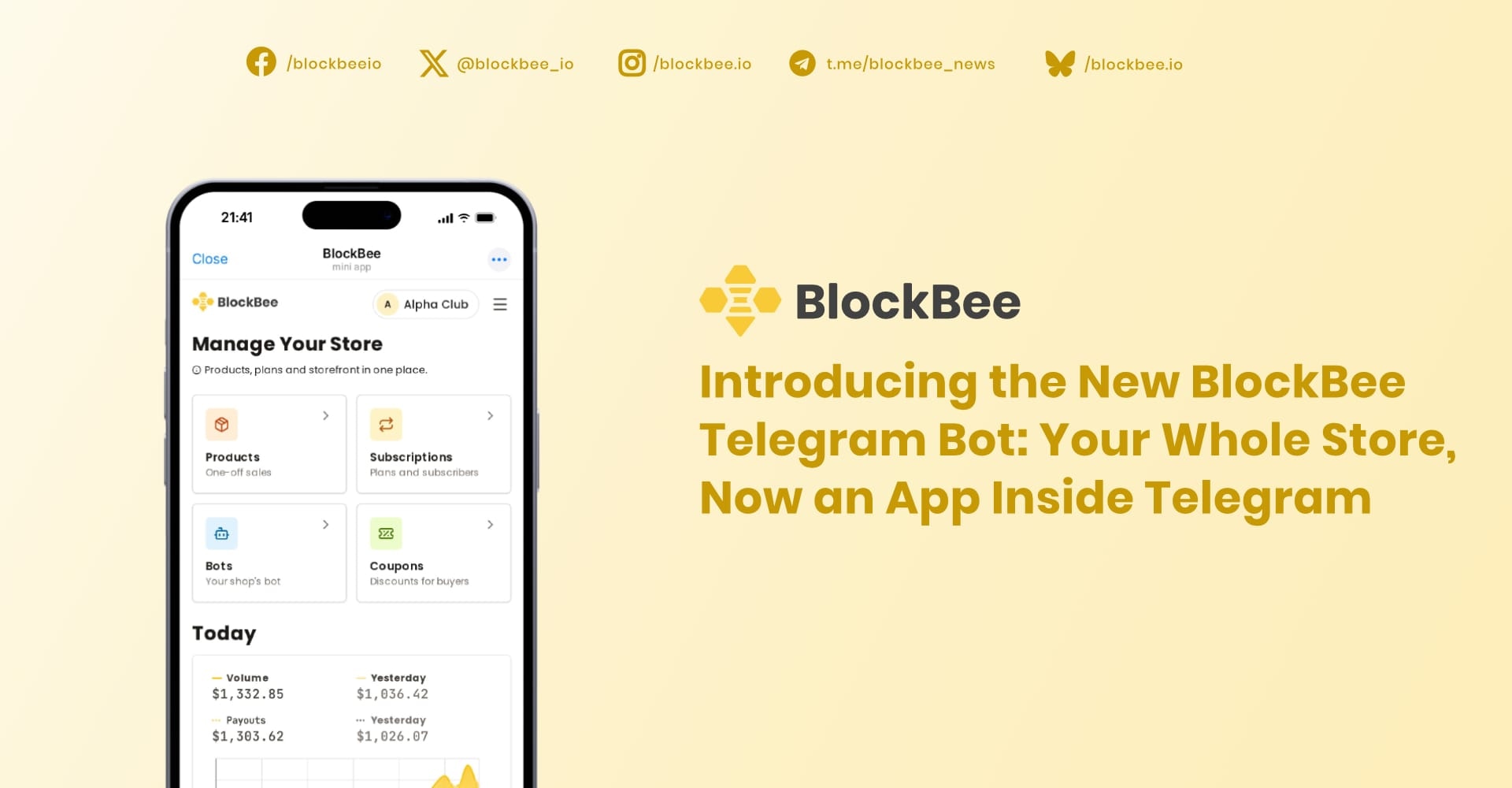
Introducing the New BlockBee Telegram Bot: Your Whole Store, Now an App Inside Telegram
Run your paid Telegram channel and your store from an app inside Telegram. Same bot, same subscribers, nothing to set up.
The BlockBee Telegram Bot is now a Mini App. Chat menus and typed commands are gone. In their place is a full app that opens inside Telegram. You run your paid channel, products, plans and payments from it. Your buyers subscribe and pay without leaving Telegram. If you already use the bot, there is nothing to set up: same bot, same channel, same subscribers.

What changed
Until now you ran your store through chat menus in @blockbee_bot, one message at a time, and your buyers did the same in your bot. Now both bots open an app:
- In @blockbee_bot, tap Open BlockBee to manage your store.
- In your store's bot, buyers tap Open Store to browse, pay and join.
For sellers
Everything the chat menus did, and more, now sits in one app:
- Products and subscription plans. Create them, edit them, turn them on or off.
- Subscribers. See who is active and when each subscription ends.
- Coupons. Create discount codes for your plans.
- Bots. Connect your bot with its token from @BotFather, link the channel or group it guards, and see its stats.
- Wallet addresses. Payments go to the addresses you set.
- Payment settings and verification.
While your bot is active, it removes members whose subscription has ended and reminds subscribers before theirs ends.

For buyers
Buyers open your store from your bot and see your logo, your products and your plans. They can:
- choose a plan and apply a coupon;
- pay in crypto, with GRAM and USDT on TON listed first;
- get an invite link to your channel or group that works once, and only for them;
- see their orders and subscriptions, and renew straight from the reminder.

Do I need to do anything?
No. Your bot, channel, plans and subscribers stay as they are. Open @blockbee_bot and tap Open BlockBee. The first time, log in with your BlockBee account. After that, the app knows your Telegram account.
Your store needs a logo before buyers can see it. If you haven't added one, add it in Payment settings.
Get started
- Create a bot with @BotFather and copy its token.
- Open @blockbee_bot, tap Open BlockBee, and log in. No account yet? Create one.
- Set your wallet addresses, and add your logo in Payment settings.
- Create a subscription plan.
- In Bots, connect your bot with its token, then link your channel or group. Make the bot an admin there, with rights to invite and restrict members.
- Activate the bot and share it with your audience.
The Telegram bot guide covers each step in detail.
FAQ
Do my subscribers need to do anything?
No. Their subscriptions keep their dates. The next time they message your bot, it opens your store.
Which cryptocurrencies can buyers pay with?
Any of the 100+ cryptocurrencies BlockBee supports that you choose to accept. GRAM and USDT on TON are listed first.
Where do the payments go?
To the wallet addresses you set in the app.
Can I still use the BlockBee dashboard?
Yes. The app and the dashboard share one account, so products, plans, coupons and addresses you change in one show up in the other.
Does it work on desktop?
Yes. The app runs inside Telegram on phone and desktop.
Support
Review Us